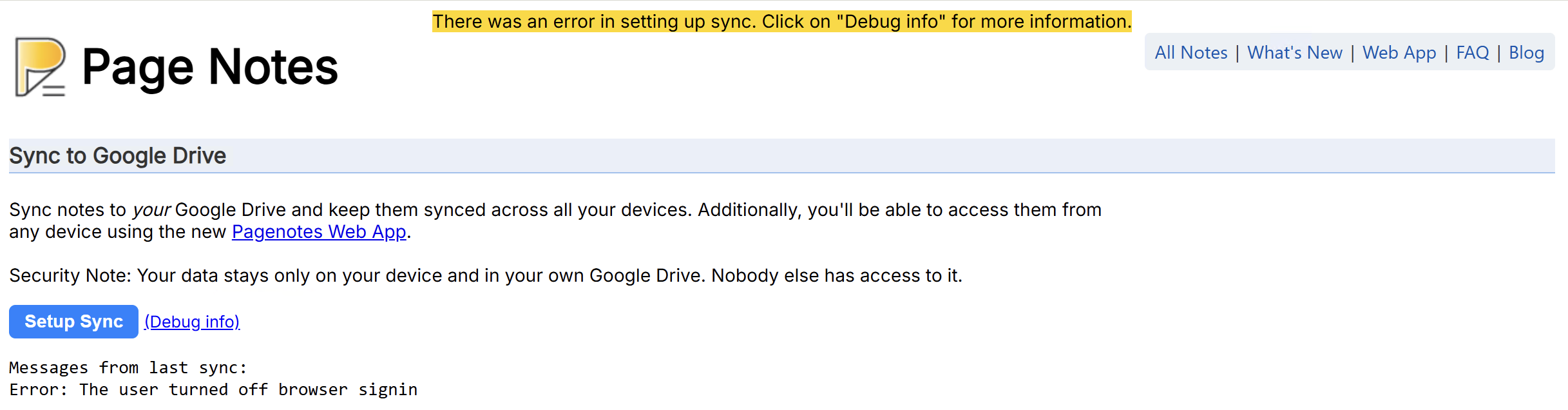
If setting up sync (from the options page) fails, take a look at the debug info to find the error message.
If you see a message like this:
Error: The user turned off browser signin
It typically means you’re using a non-Chrome browser, and extension was not able to determine that automatically and tried to use Chrome specific auth mechanism (i.e. chrome.identity API). These days more and more browsers imitate Google Chrome making it almost impossible to tell them apart programmatically. As a workaround, Page Notes provides an option to force non-Chrome behavior for sync authorization in the ‘Advanced Settings’.